Turn screen recordings into
interactive product demos
Skip the video link. Let customers click through your product themselves.
- 7-day free trial
- Pay once, yours forever
- AI writes the copy and voiceover
- Your data stays local
Real demos made with MakeMeDemo · click to try
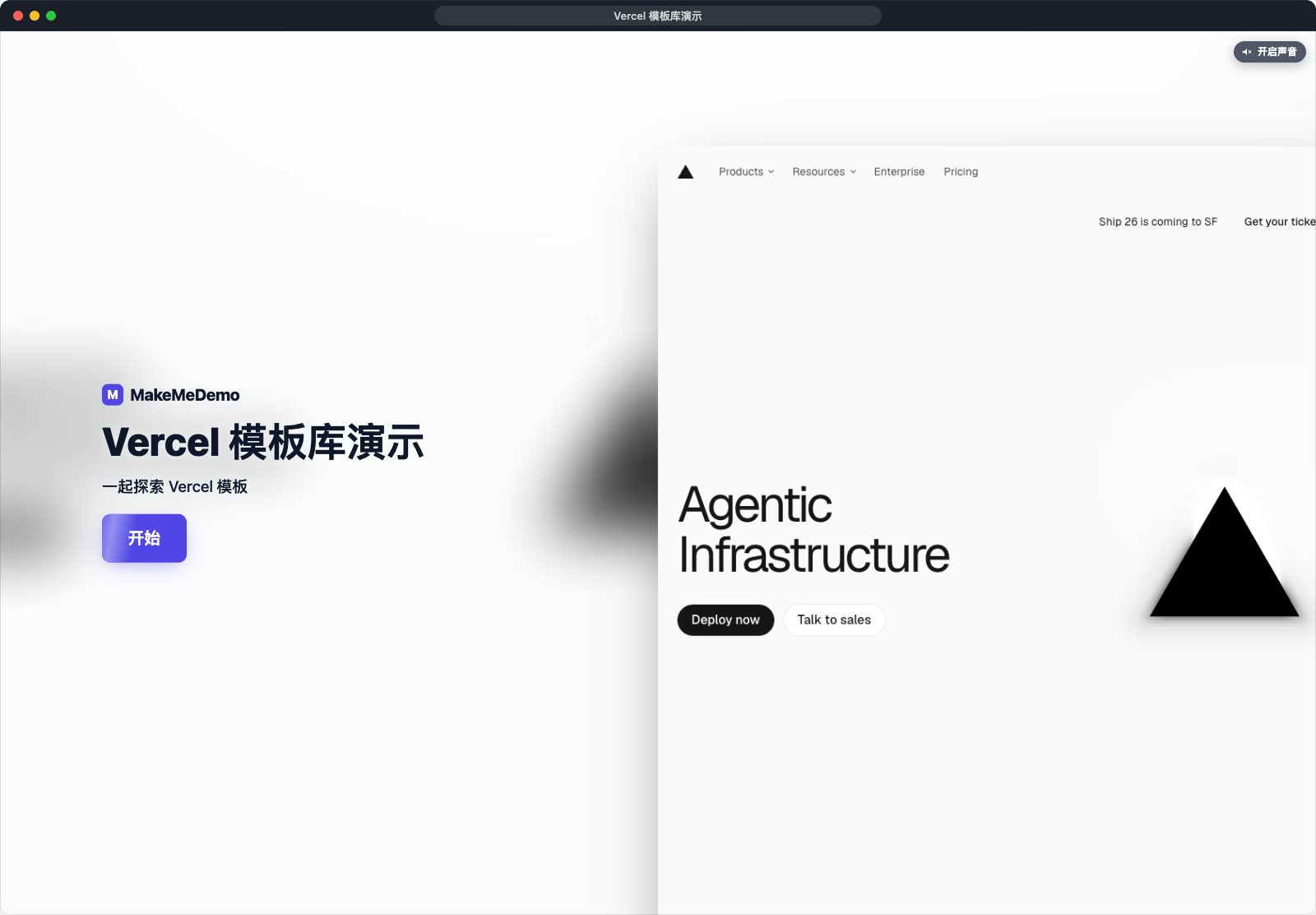
Example recorded on vercel.com. Not affiliated with Vercel.
How it works
Three steps to a finished demo
Record it
Press record and use your product as usual. A website, a desktop app, or a video from your phone.
Click once
AI writes the narration, voices it, adds music and places the hotspots. Change anything in the editor.
Send it
Upload and get one link, or export a file. Viewers click through at their own pace.
Features
Record once. The rest is one click.
See what MakeMeDemo does for you — from the first click to the finished demo.
A complete demo in one click
AI writes the narration, places hotspots, and adds voiceover.
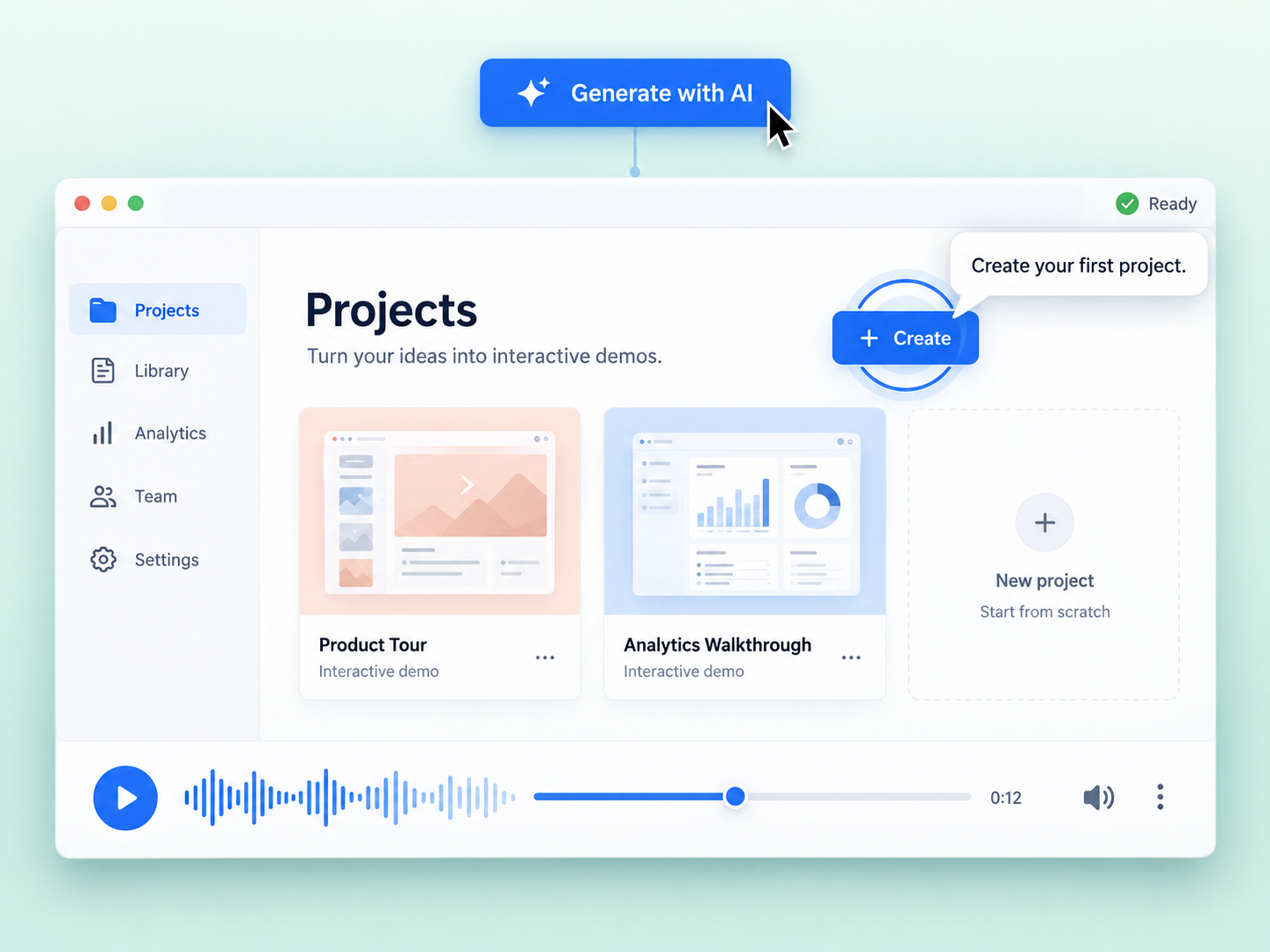
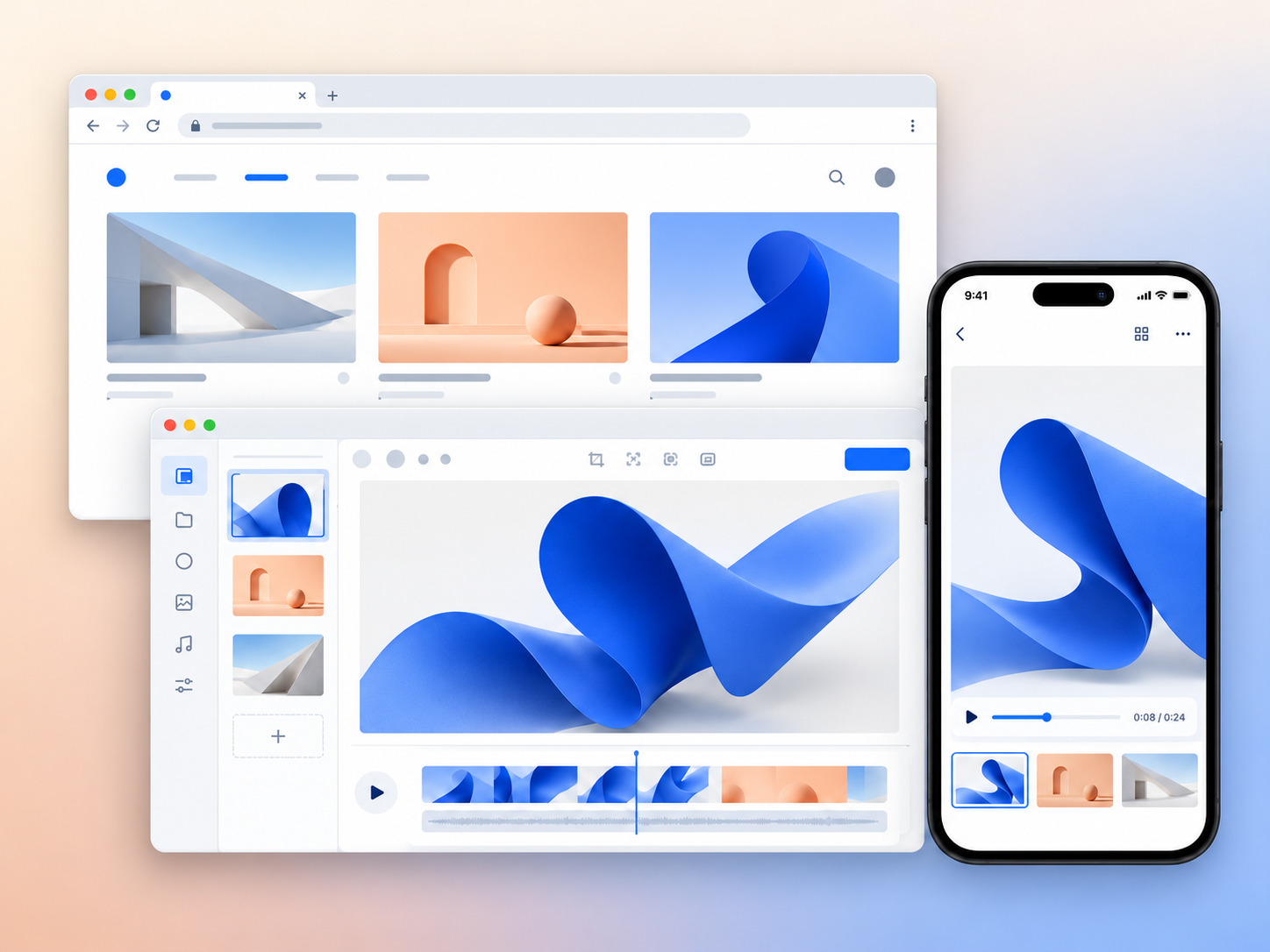
Three kinds of demo
Websites, desktop apps and phone videos. Clickable hotspots work on all three.
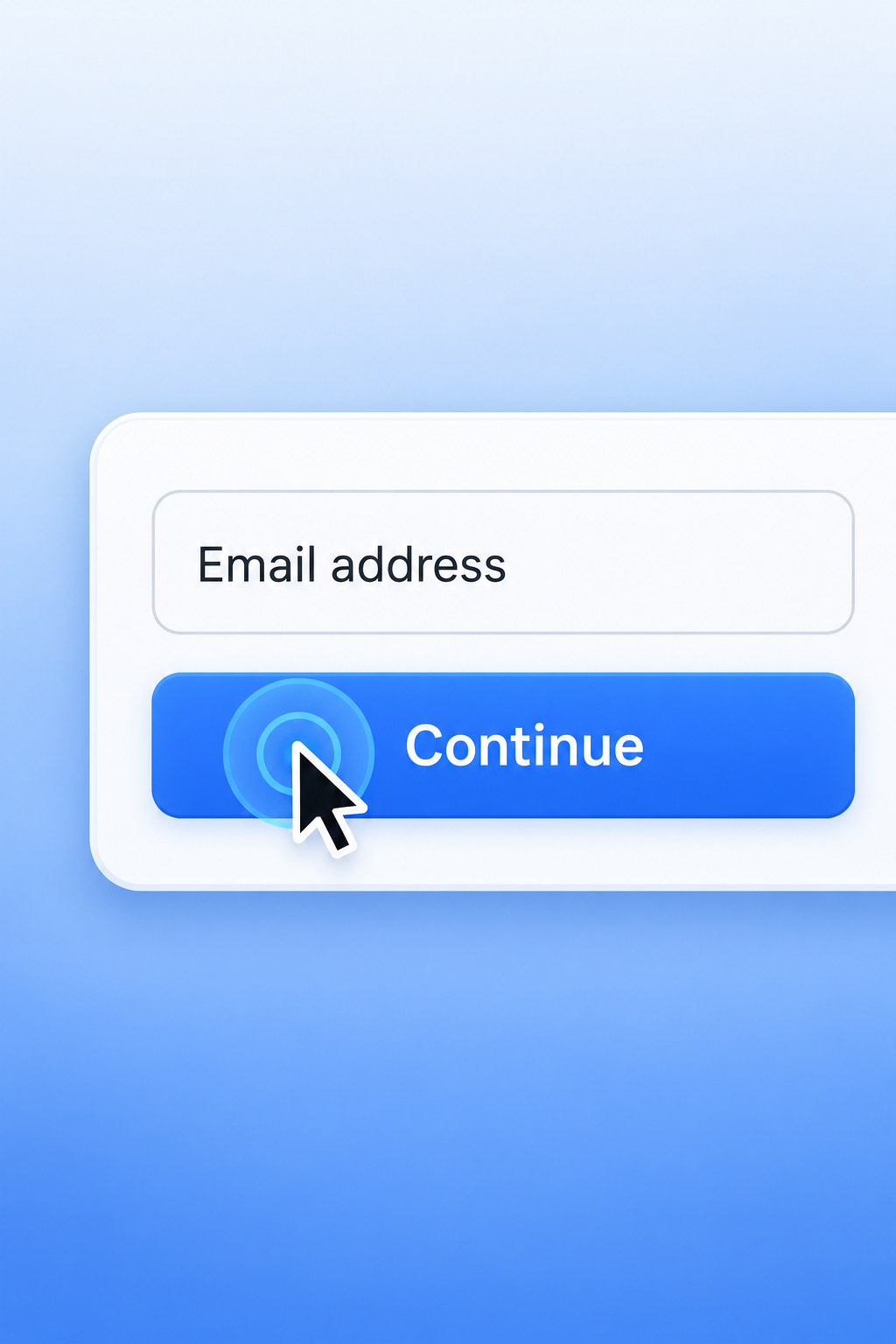
Automatic click effects
Every click is detected and highlighted automatically.
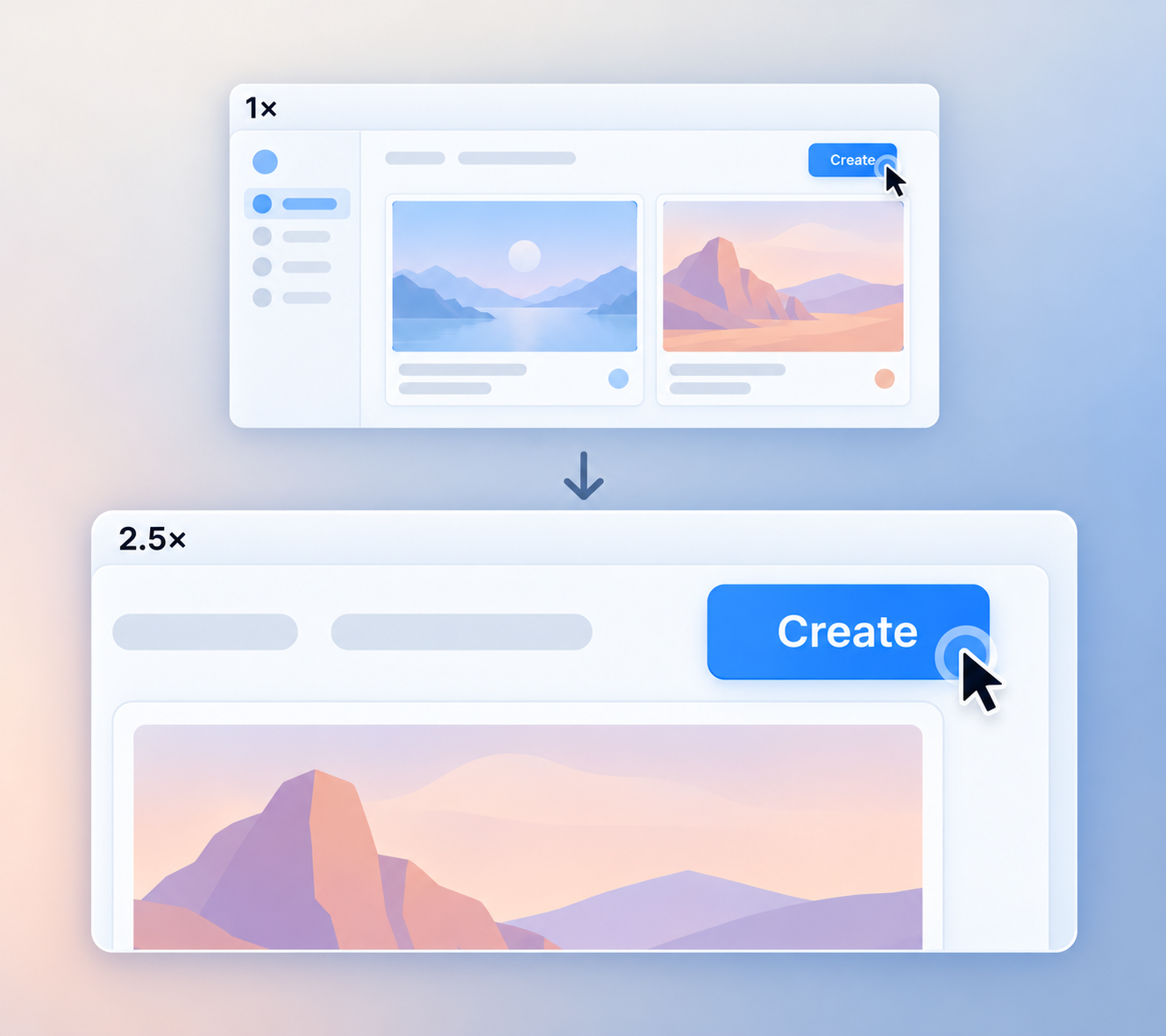
Smart auto zoom
The camera follows each action and zooms into the important detail.
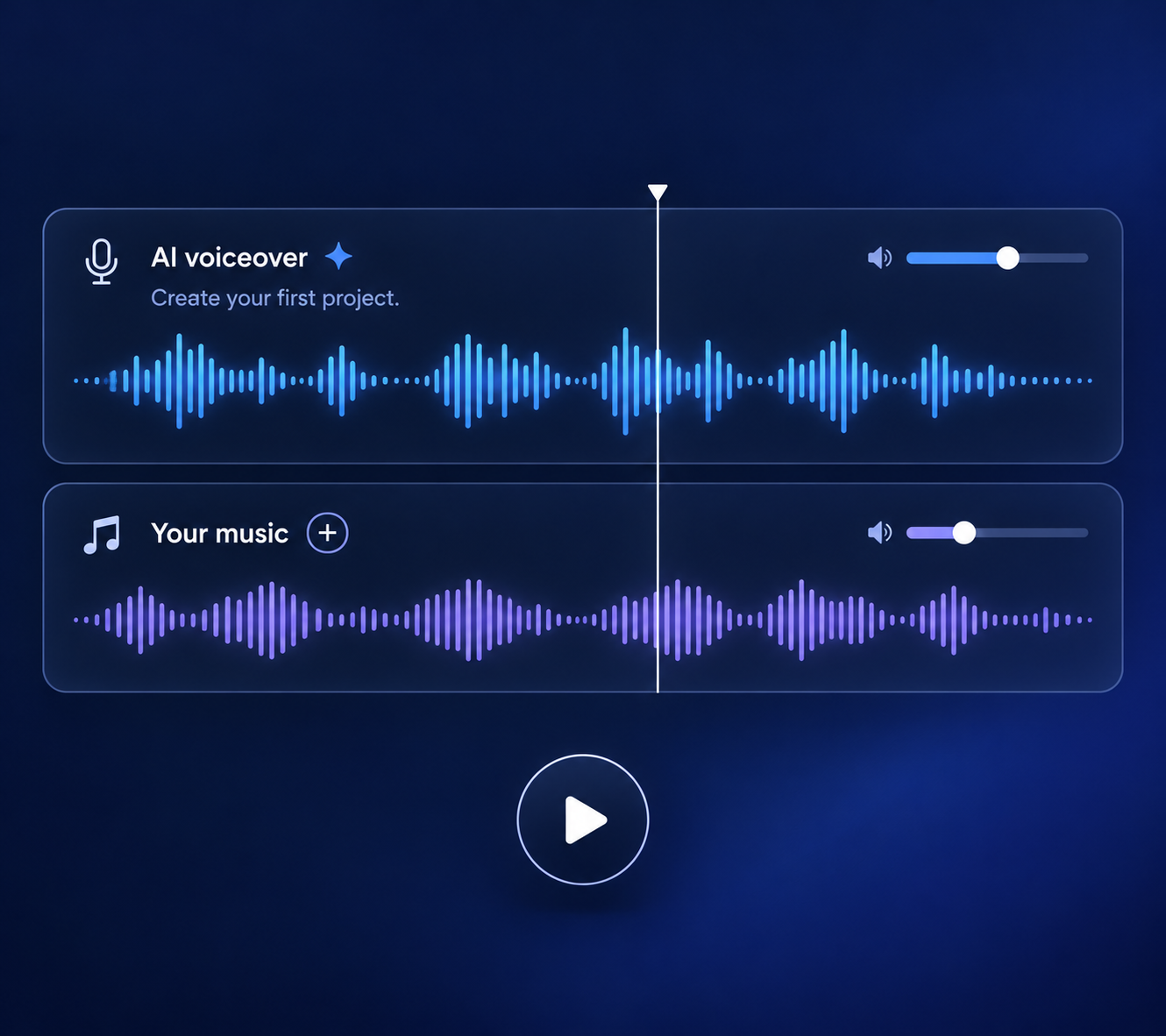
Voice and music
A real voice reads each step, with background music underneath.
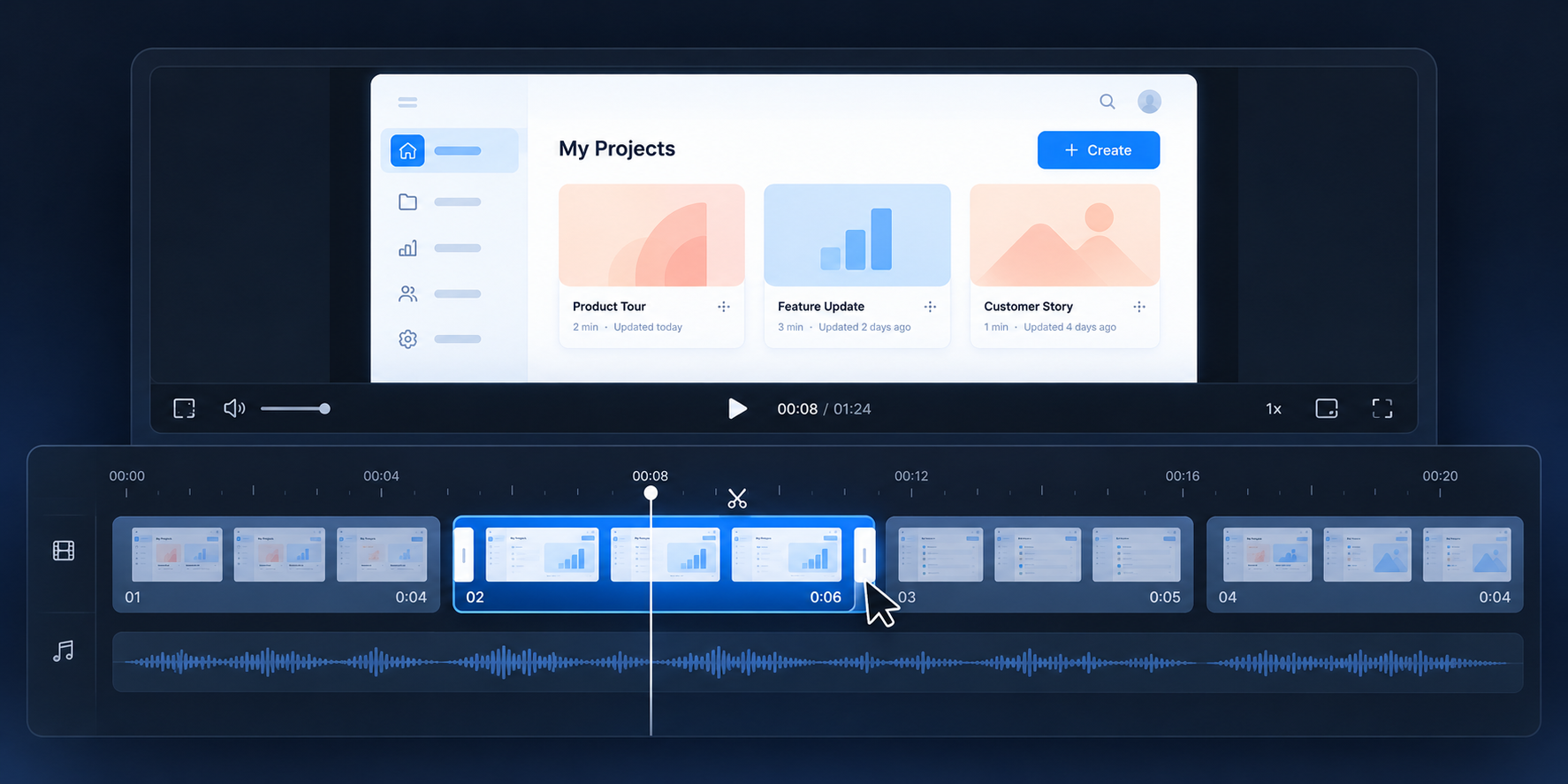
A real editor
Trim, reorder, redo one step, fix one word. Never re-record the whole thing.
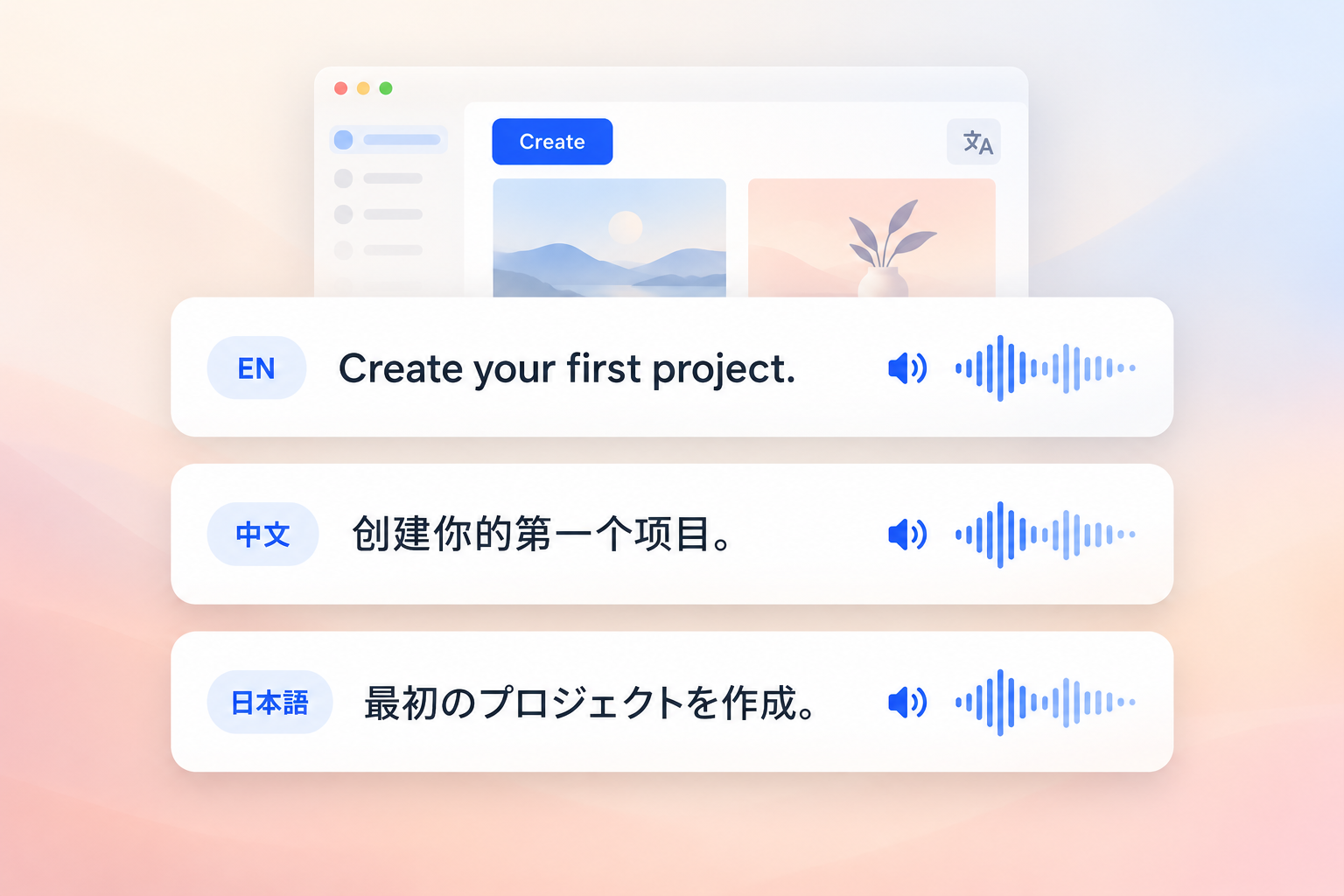
Translate
19 languages, re-voiced. Viewers get their own language from the same link.
Export or share
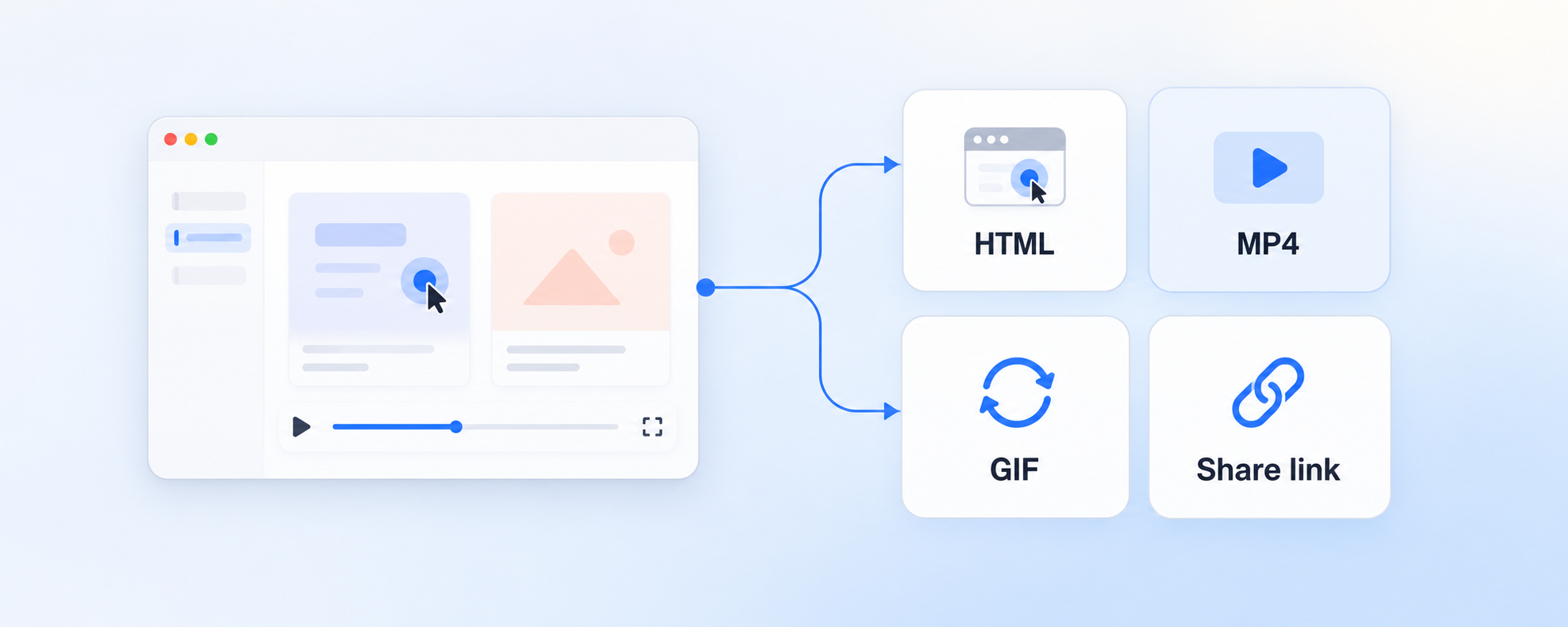
Interactive HTML, MP4 or GIF. Or upload it and get a link.
Runs on your machine. Uses the Claude Code or Codex you already have, no API key needed.
Comparison
A Supademo & Cursorful alternative you own
Price
MakeMeDemo
Supademo
Cursorful
Demos people can click through
MakeMeDemo
Supademo
Cursorful
Video demos
MakeMeDemo
Supademo
Cursorful
Everything runs on your own computer
MakeMeDemo
Supademo
Cursorful
Uses your own AI key
MakeMeDemo
Supademo
Cursorful
Export a file you host yourself
MakeMeDemo
Supademo
Cursorful
Pay once, no subscription
MakeMeDemo
Supademo
Cursorful
Competitor details from supademo.com and cursorful.com, verified October 2026. Plans and features change — check their sites before relying on any single row.
Pricing
Pay once. Own it.
Free
No sign-up — download and go.
- Up to 3 demos
- Editing, AI copy, voiceover and translation (with your own key)
- Exports carry a “Made with MakeMeDemo” watermark
- Publishes the original language only
- Sign up for a free 7-day trial of everything
MakeMeDemo Lifetime
Early birdEvery feature, yours forever.
Everything in Free, plus:
- Unlimited demos
- No watermark
- Every language in one link, switchable in the player
- All v1 updates, works offline
14-day money-back guarantee · Sold by Creem · Prices in USD
FAQ
Questions, answered
- Do I need an AI key to get started?
- No. It can use the Claude Code or Codex CLI already installed on your machine, plus the voices your system ships with. Add your own key when you want a specific model or voice.
- Which computers does it run on?
- macOS on Apple Silicon or Intel, and Windows on x64. It is a desktop app you install, not a browser extension.
- Can I record desktop apps, not just websites?
- Yes — web flows, native desktop apps, and video you already have, including clips shot on your phone. You can keep recording into the same demo.
- How is an interactive demo different from a video?
- A video plays. An interactive demo lets people click through the real interface at their own pace, and you can fix one step without re-recording the rest.
- Do my recordings or keys leave my computer?
- No. Recording, AI generation and export all run locally. Your footage and your keys never touch our servers.
- Can I host the demos on my own site?
- Yes. Export a self-contained player or a one-line embed and serve it from your own CDN — nothing calls back to us.
- Is it really a one-time purchase?
- Yes. One plan with every feature, no subscription and no per-seat fees. The licence keeps working offline and includes every v1 update.
- What if I want a refund?
- Email support@makemedemo.com within 14 days and we refund in full, no questions asked. You do not need an account with our payment provider — just write to us.
- Is MakeMeDemo a Supademo or Cursorful alternative?
- Yes. Supademo is a cloud tool billed per seat; Cursorful makes zoom videos rather than clickable demos. MakeMeDemo does both kinds of demo, runs on your own machine with your own AI key, and is a one-time purchase.
Stop giving the same demo twice.
macOS and Windows. Free plan, no sign-up; sign up for a free 7-day trial of everything.
Download